Stay on top of a topic
On this page
This guide sets up a daily habit around the subjects you care about: find the right topics, follow them, read the front page that puts them first, search inside them, and choose how far back the news should reach.
Topics run on the sites that have them; each site of the 4 Network has its own set, made for its subject.
#Find your topics
-
Select the Topics tab in the row of services.
-
Type a few words about your interest in the box, for example
mortgage rates, and press Enter. The finder lists the topics best suited to them.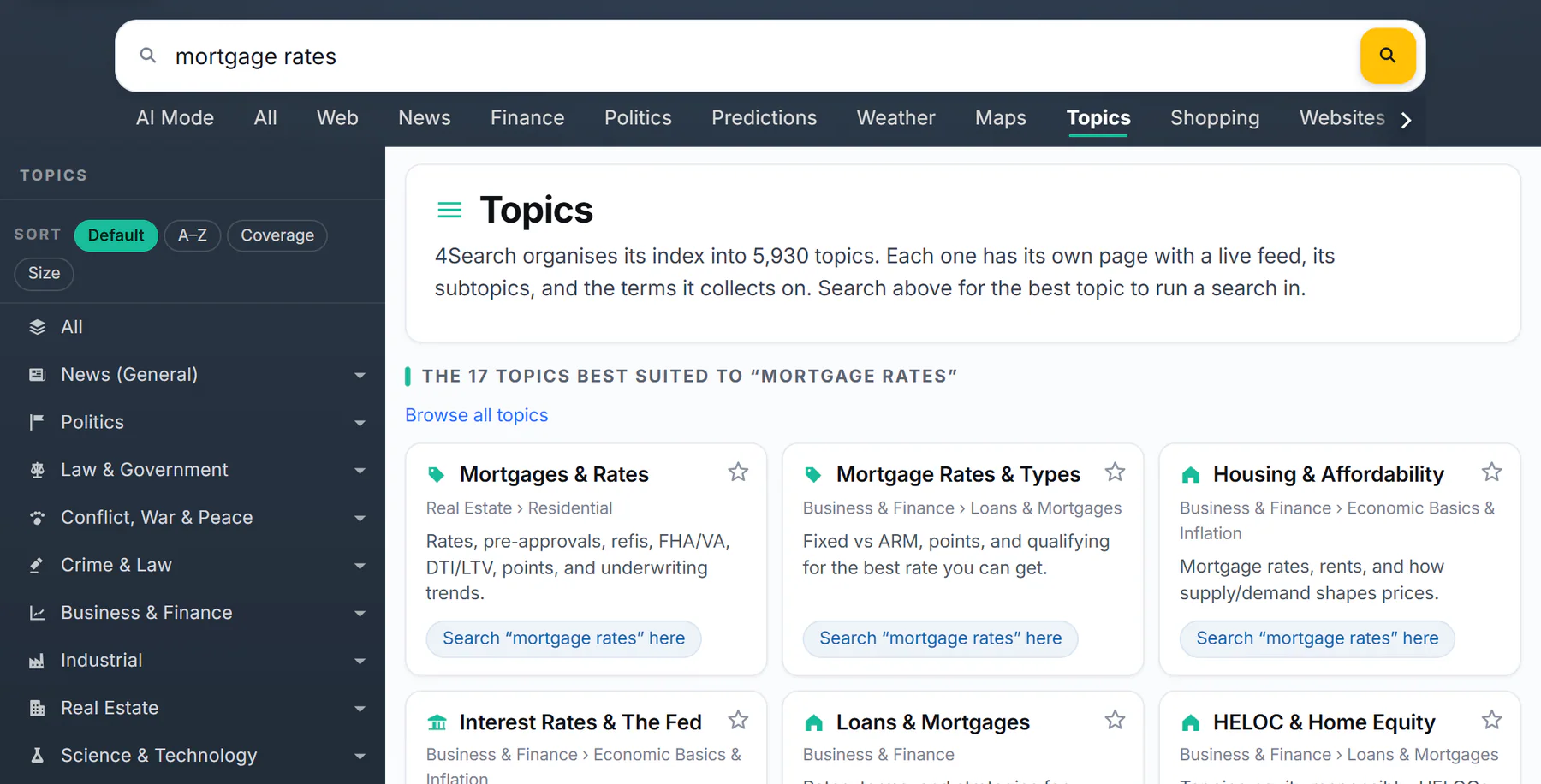
The topics that fit the words, best first, each with a way to search inside it.
- 1The words you typed
- 2The topics that fit them best
- 3Where the topic sits
- 4Search your words inside this topic
- 5Back to the whole list
-
Open a topic to see its page: what it covers, its subtopics and its latest articles.
You can also browse the Topics list on the left of the home page, where an arrow beside a topic opens its subtopics. See The Topics tab and A topic's page.
#Follow them
- On a topic's page, select Follow. On a card or a front-page group heading, select the star.
- The first time, a box explains that your topics are kept in this browser. Select Enable cookies and follow to turn on Saved preferences and follow, or Not now to save nothing.
- The button reads Following, and a note says Added to your topics.
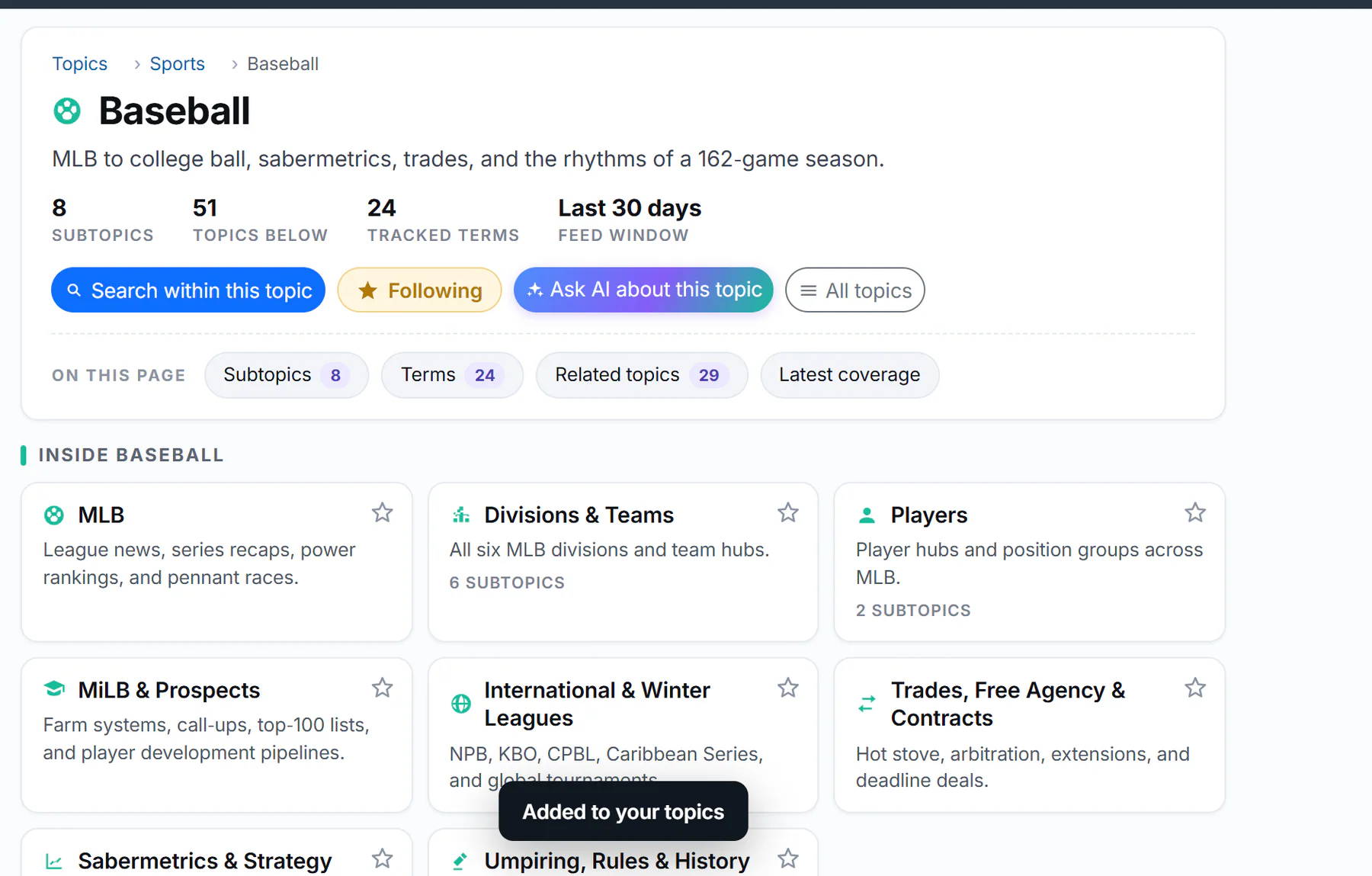
After Follow, the button reads Following.
- 1The button now says Following
- 2A note confirms it
You can follow up to 50 topics on each site. See Follow topics.
#Read your front page
Open the site's home page. A Your topics section comes first, with a group of today's stories for each topic you follow, up to eight, the ones you followed most recently first. The site's own groups follow under Popular now.
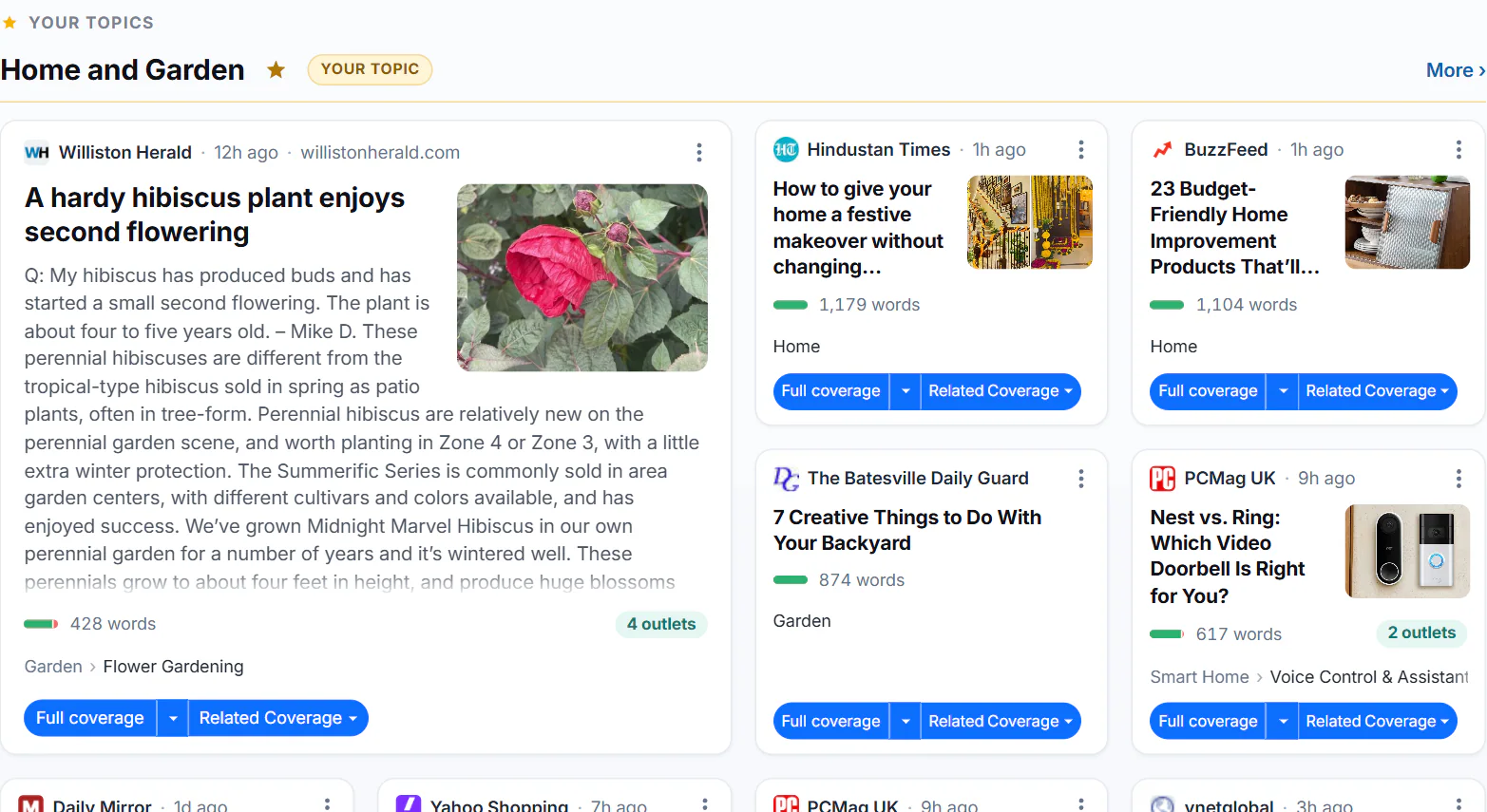
A followed topic at the top of the front page, marked Your topic.
- 1Your topics come first
- 2A topic you follow
- 3Marked as yours
- 4Its biggest story
- Top stories shows the groups; Latest shows the newest articles as they arrive.
- Each story appears once, as the fullest article, and its card says how many outlets carry it.
- The groups are rebuilt about every ten minutes, so the page changes through the day.
#Search inside a topic
On the first page of a News search, the Search within a topic box suggests topics that fit your words, and its Your topics row lists the ones you follow. Select one to run the same words inside it.

Topics that fit a search for heat pump, and the topics you follow.
- 1Topics that fit your search
- 2Select one to run the same search inside it
- 3Your followed topics
- 4One of them
A Searching: label above the search box then names the topic, and other tabs such as Images keep it. See Search within a topic.
#Choose how far back to look
The date menu starts on Auto, which picks a window from your words and the subject and shows its choice, for example Auto (30 days). You can change it in two ways:
- Type a time phrase in the search, such as
this weekortoday. On Auto, the phrase sets the window. - Pick a range in the menu, from 1 hour to 2 years or All.

The words this week set the window: the date menu reads Auto (7 days).
- 1A time phrase typed in the search
- 2Auto shows the window it used
To rerun the same daily search, set a fixed range and bookmark the results page; the address records the range but not Auto. See Choose a time window and Share or bookmark a search.
#Common questions
Will 4Search send me the day's stories?
No. There are no emails or notifications. Open the front page, or your topic's page, when you want the latest.
Why are my topics missing on another 4Search site?
Each site has its own topics and keeps its own list. Follow the topics you want on each site.
Why did a story disappear from my front page?
The groups are rebuilt as new stories arrive. Open the topic's page or the Latest tab to find it again.